Fixamajig
The little things that feel big — figured out.
Plain-English help for everyday electronics. No jargon. No judgment.
Download on the App StoreOne-time $0.99. No subscription. No account.
How it works
Three steps. No manual required.
-
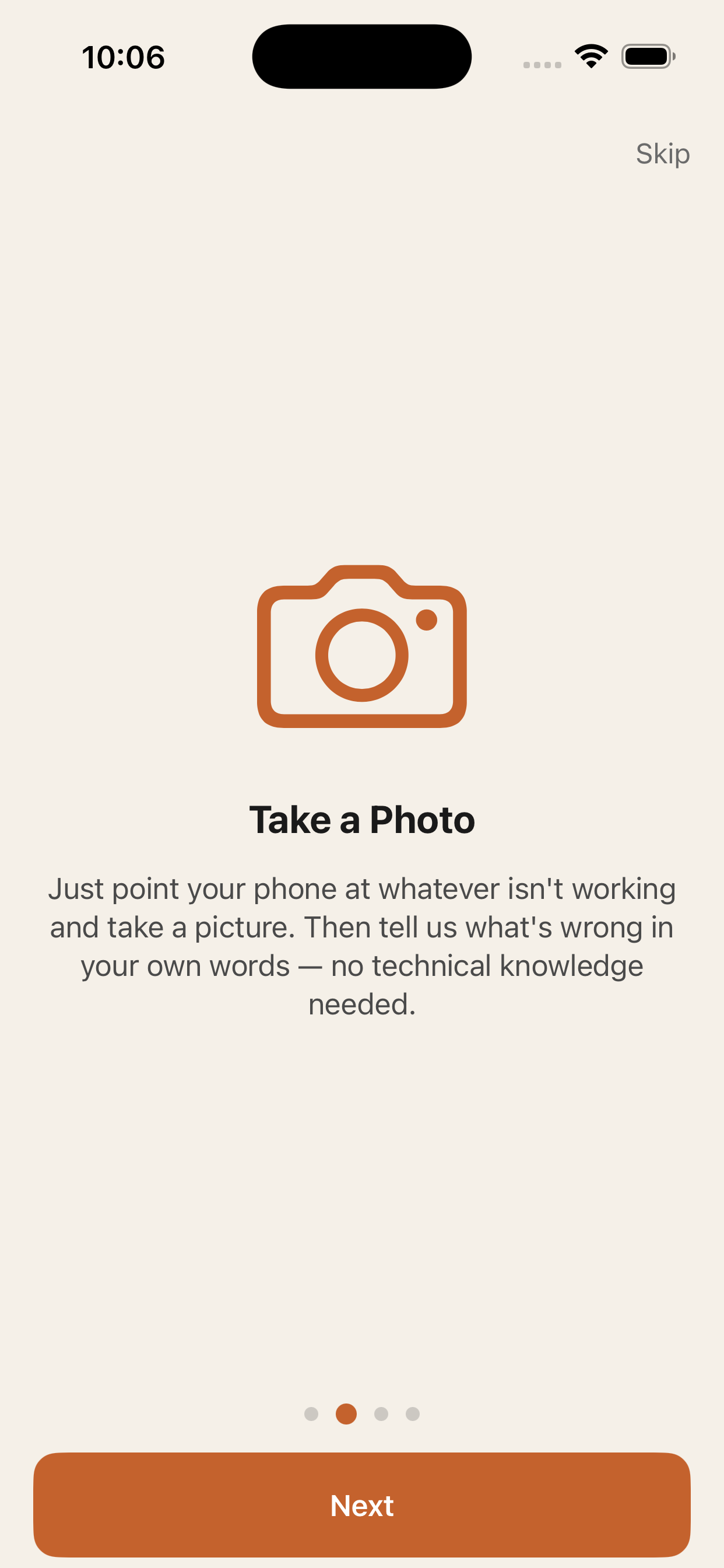
Take a photo
Snap the device that’s giving you trouble — TV, remote, printer, whatever it is.
-
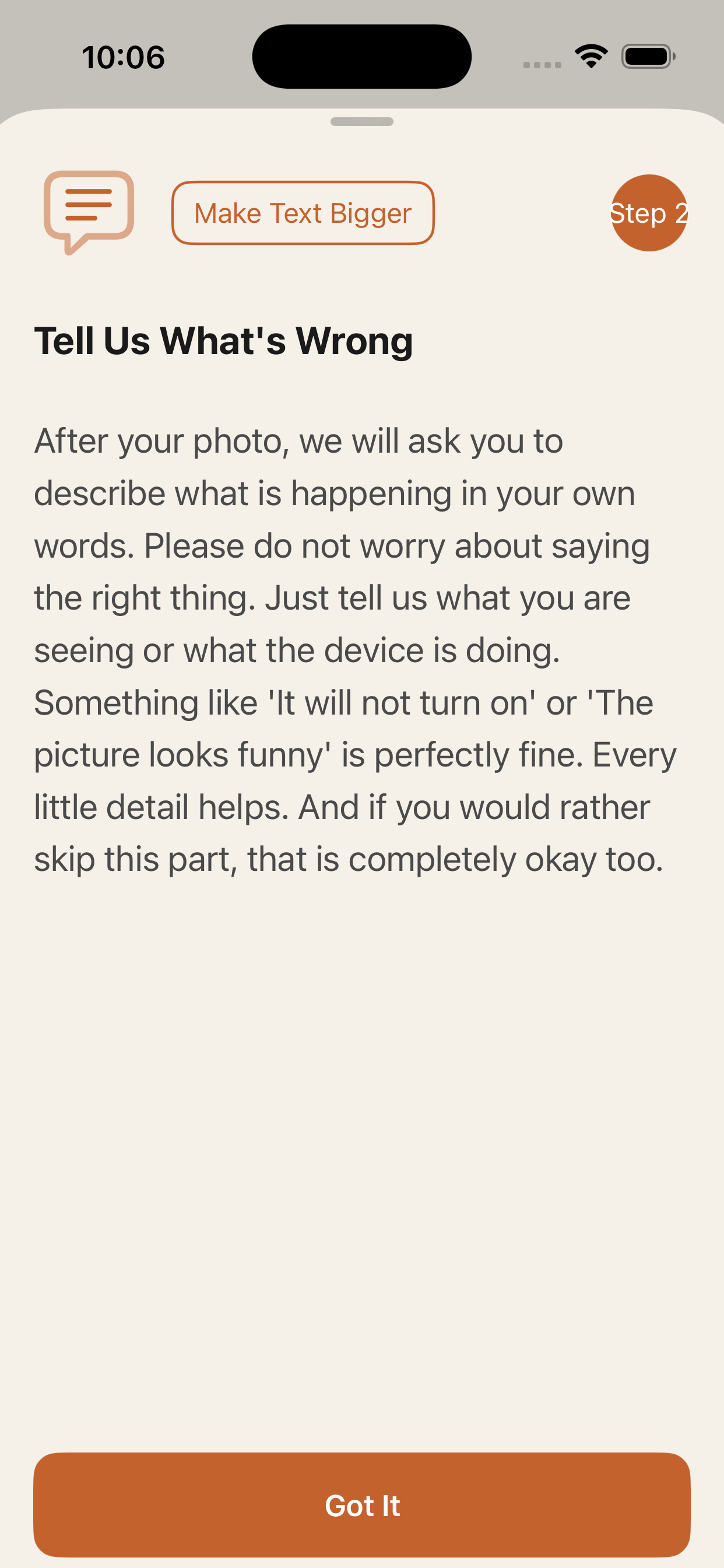
Answer a few questions
Fixamajig identifies your device and asks quick, plain-English questions.
-
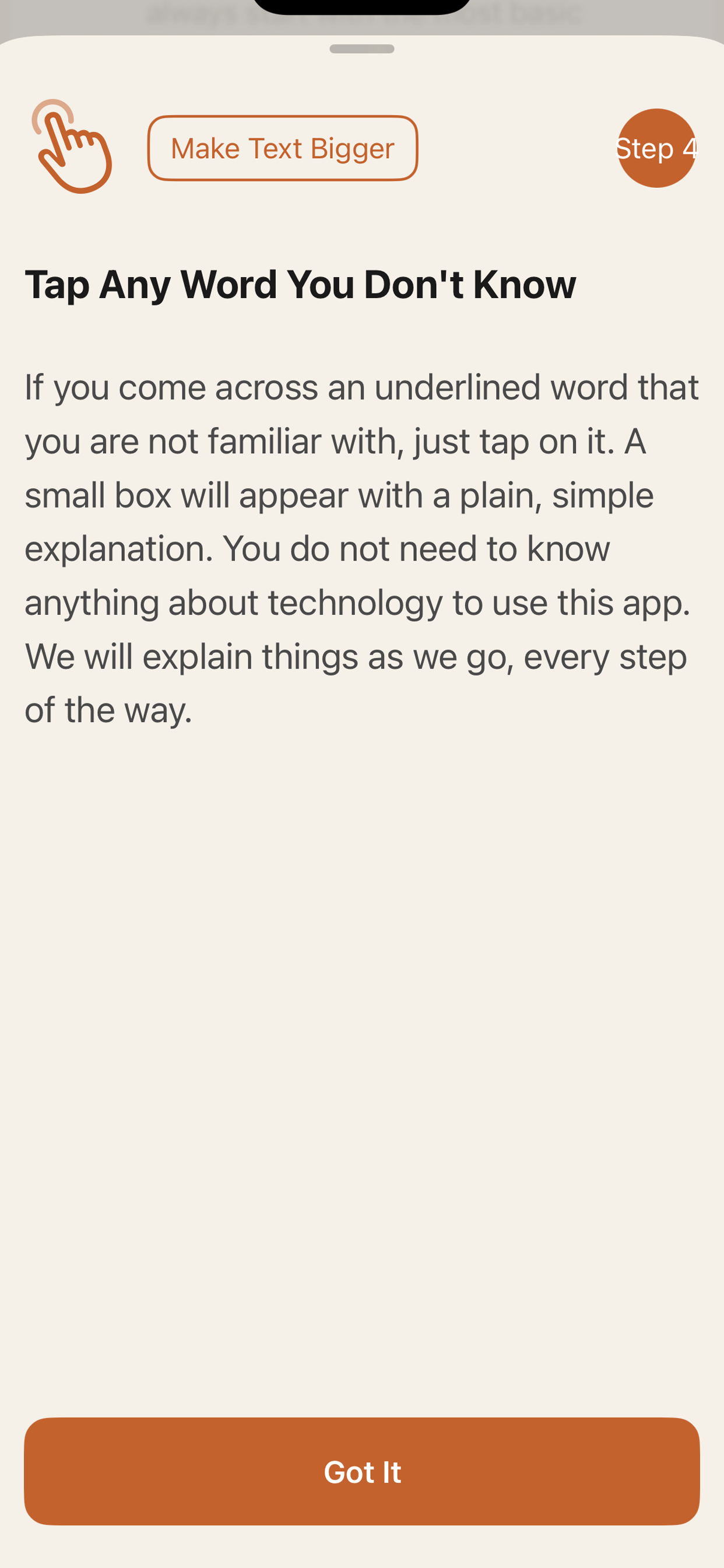
Get clear steps
Follow simple, step-by-step help — written like a person, not a manual.
What it helps with
Built for real life, not tech support queues.
-
Plain English
No tech speak. Just clear words that make sense.
-
Works at your pace
No rushing. Take your time and follow along when you’re ready.
-
Save your devices
Keep your gear handy so help is always one tap away.
-
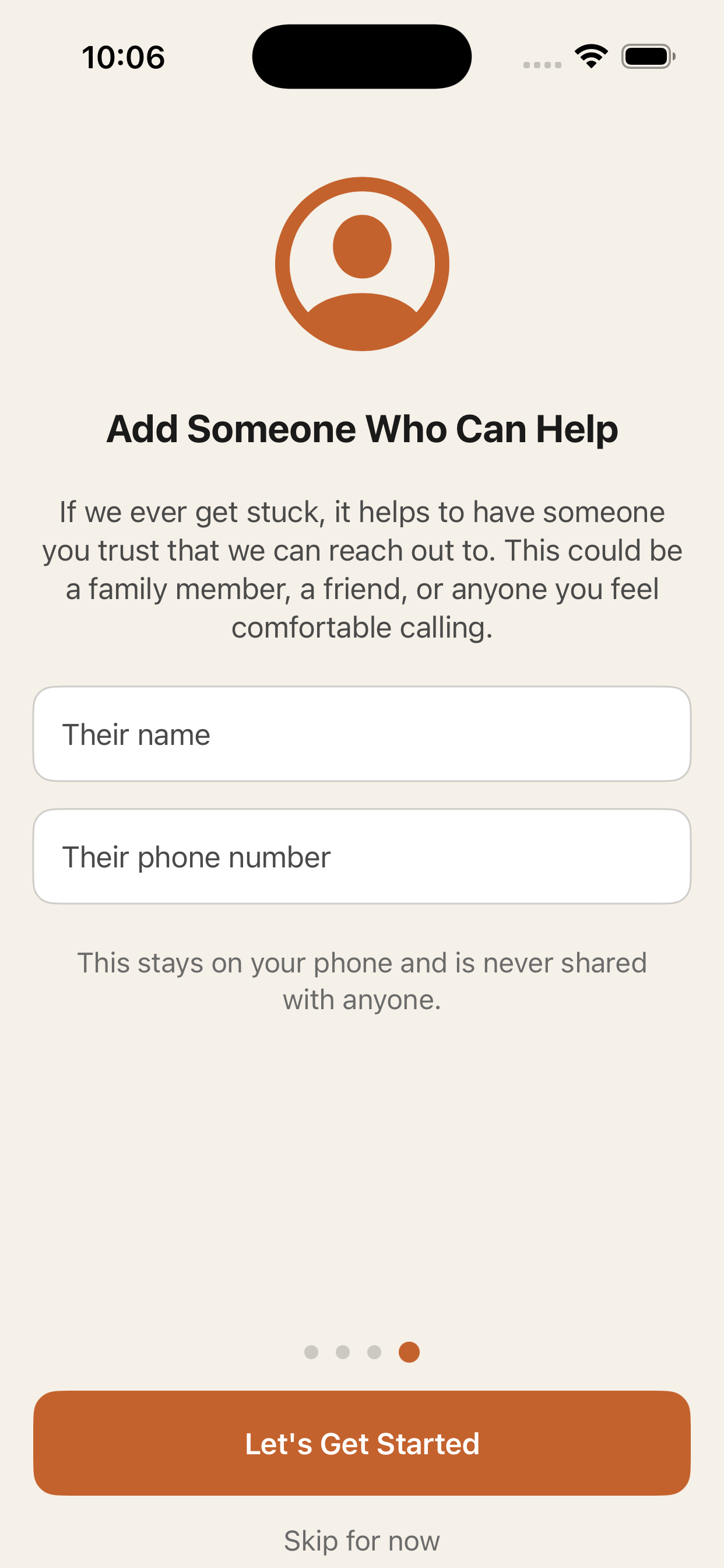
Still Stuck screen
Need backup? Call or text someone you trust, right from the app.
Common questions
Short answers, no fine print.
Do I need an account?
No. Just open the app and go.
Is my info private?
Photos and text go to an AI service to work out the fix. We don’t store them, and we never sell them.
What if I’m still stuck?
Tap “Still Stuck” to call or text someone you trust.
What devices does it work on?
iPhone and iPad, iOS 16 and later.